
I run the ads for my own battery company, Thor Lithium. I've also been the angler those ads are aimed at, and the pro on a brand's staff. When I look at another outdoor brand's marketing, the same three leaks show up almost every time. None of them need a bigger budget. They need someone to look.
1. Your ads can't see your sales, or they see them three times
If Meta and Google can't tell which ads led to an order, they can't learn who to show your ads to. You end up paying for clicks from people who were never going to buy. The opposite problem is just as expensive: the ads report more sales than really happened, so a losing campaign looks like a winner and you keep feeding it.
I found the second one on my own store. Every online order was reaching Meta from three places at once: the pixel on the website, the store plugin's server connection, and a third connection Meta had added on its own. Nothing was removing the duplicates. On one check, four real orders showed up as eight purchases. The ads looked great. They weren't.
Check it yourself in 10 minutes
- Pick last week. Count the real orders in your store's admin.
- Open Meta Events Manager and Google Ads and look at the purchases each one reported for the same week.
- If either one is well over or well under your real count, your tracking is lying to you. Fix that before you change a single ad.
One warning from experience: Meta can take several hours to show a purchase. Don't call tracking broken after waiting 30 minutes. And if your ads were paused, a quiet week of purchases may just mean nobody was shopping.
2. Product pages that don't answer the buyer's question
Serious anglers compare before they buy. For a rod that means length, power, action, line rating and guides. For a battery it's weight, amp hours, size and terminals. When the answer isn't on the page, the buyer opens a competitor's tab and you've paid for a click that went to someone else.
What a page that sells usually has:
- The full spec table, not just the two specs marketing likes best
- Real photos of that exact product, not the same photo reused across the line
- Reviews close to the buy button, where the decision gets made
- If a pro uses it, their video on that product's page
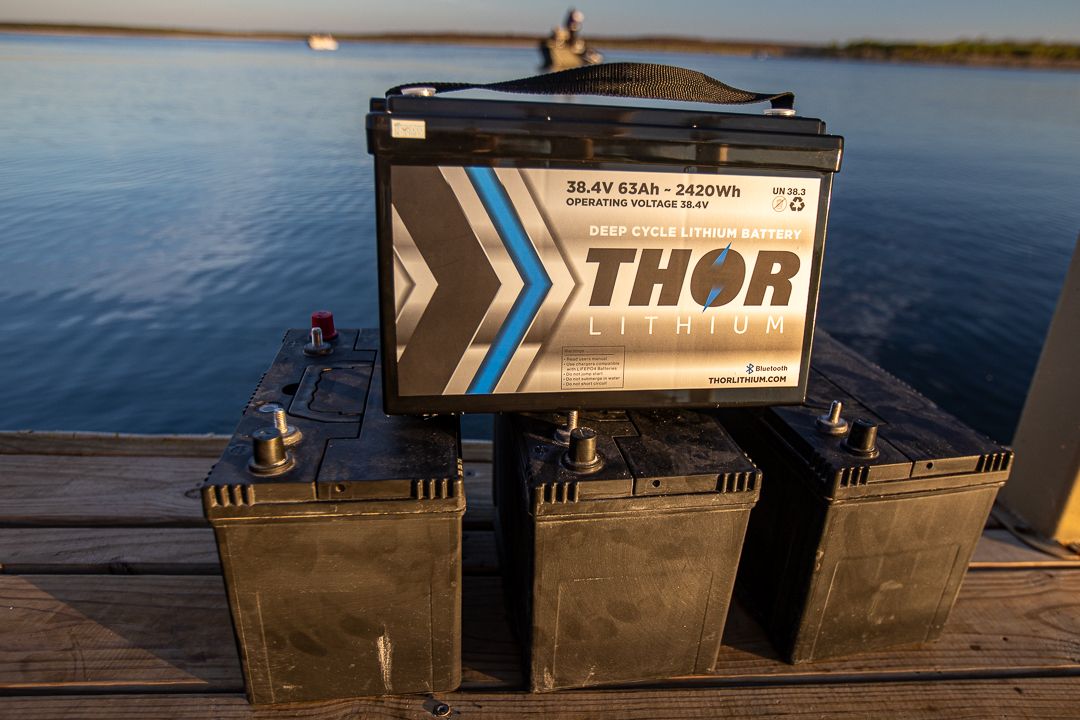
Check the specs against the real product too. A factory spec sheet for one of my own batteries listed the wrong terminal size. A customer who orders cables to match that sheet sends the battery back, and you pay shipping both ways.
3. Invisible on Google Shopping
Google shows products in the Shopping tab for free when your product feed is approved. Most small brands either never set that up or have products sitting rejected in Merchant Center without knowing it.
On my own store, two products were listed and both were rejected. After the feed was rebuilt with clean titles, real photos and correct prices, 21 of 21 products were approved. Those free listings brought in 277 clicks in 28 days before we spent a dollar on Shopping ads.
Where to look
- In Google Merchant Center, open the product list and look for anything not marked approved. The reason is listed next to each product.
- The usual reasons are prices that don't match the website, missing shipping or return details, and photos with text or badges on them.
- When you do run Shopping ads, check the product groups after you publish. Google adds an "Everything else" group that is not excluded by default, so products you meant to leave out still show.
Where to start
Start with tracking. Every other decision depends on those numbers being right. Then fix the product pages your ads send people to, then turn on free Shopping listings.
If you'd rather have someone else look, the free 15-minute X-Ray covers your ad account and your top product page. You'll leave with your three biggest leaks, ranked.
The 10-point ad leak checklist
Two pages, ten checks: tracking, product pages, Google Shopping and Meta settings. Work through it in an afternoon.
Want yours looked at?
The free 15-minute X-Ray. Outdoor brands: your ad account and top product page. Oil and gas: how a quote moves from request to follow-up. You leave with your three biggest leaks.